
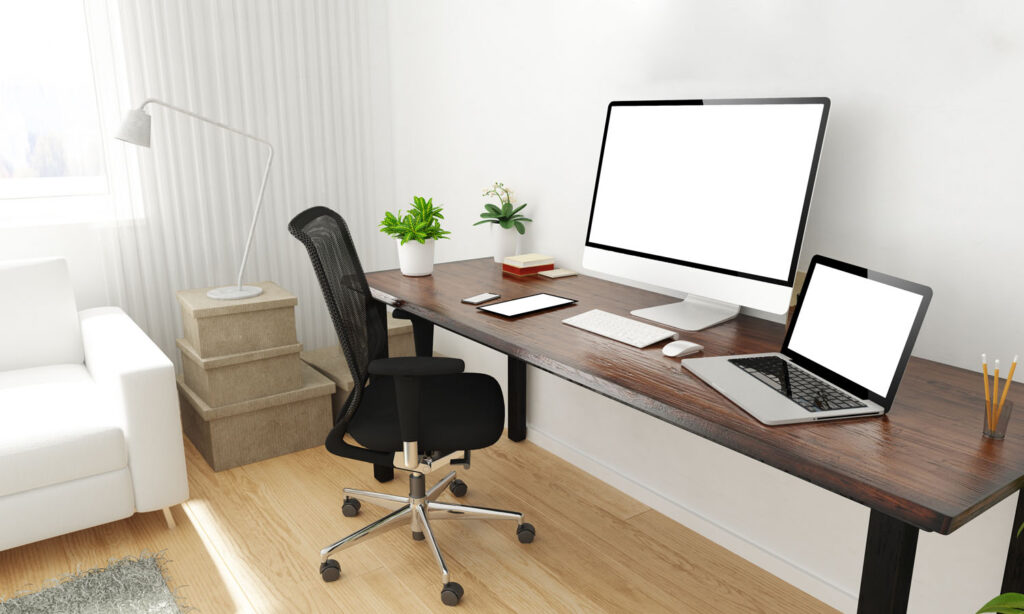
As I wrote more, I began to develop back and neck pains.
This was due to poor posture while sitting and typing. Primarily, at least.
It was also because I didn’t take a sufficient amount of breaks. I was staring at a screen for too long.
It’s all about ergonomics. Fancy word, I know. In the modern workplace, the environment must be changed to suit the worker (wherever is practicable and reasonable) rather than the other way around. It all ties into equality laws.
When you work for yourself, though, you can technically do whatever you want – self-ergonomics, I suppose. Here is a guide to how I sit when I write.
Please note that I’m not a medical professional and so everything here is simply what I do and not necessarily what’s right for you. Always consult a professional, even for relatively minor things like this.
Sitting
I don’t have a fancy chair. I don’t know where it’s from – IKEA or something. It only comes halfway up my back, and it’s relatively nice, but certainly not one of these $1,000 office chairs.
As long as I take breaks regularly, this seat works just fine. If I start sitting down for too long at a time? Yes, then I start to get a problem.
I only try to sit down and work for a maximum of forty minutes at a time. Ideally, I stretch for half a minute or so every 20 minutes.
As long as I keep moving, it keeps the back and neck pain away for the most part. It’s all the sitting still that really messes me up sometimes. That break is really good for the eyes, too.
Regarding posture, I now always sit as far back in my chair as possible. Sitting up straight always makes a difference – like my parents used to say at the dinner table. And still do, to be honest.
I have less back pain when I relax in the chair with my shoulder blades touching the back instead of sitting to attention the whole time.
I then adjust the seat, so my feet are flat on the ground with a bend in my knees and my hips slightly higher than them. I never rest my feet on anything.
When looking at the screen, I keep my eyes level with the top of the screen. Since I usually write using a laptop (and occasionally a dual monitor), I have a laptop stand. It’s always on the highest setting.
If I’m using a dual monitor, I try to have both screens at an equal distance from my eyes, so I don’t twist my neck too much.
If there’s one takeaway point I’ve learnt (after making the mistake too many times), it’s to avoid sitting and working on the sofa at all costs. I always think I can do it, but two or three hours later, my body has more knots than… shoelaces? I’m stuck for a metaphor there.
Typing
So now we come to typing.
After spending several months writing with my laptop, I’ve learnt to just, basically, not.
Sure, the laptop is great for the odd occasion, for example, when I’m travelling. But the T-Rex position of trying to type with my hands arched over the touchpad seems to affect my back muscles particularly severely.
Don’t believe all those stock pictures of people typing on a hammock in the Bahamas – they’ll be straight off to the doctor after taking those photos.
Instead, I’ve been using a plug-in ergonomic mouse and keyboard for a while now. Everything feels much better.
I can’t recommend these ergonomic designs enough (I have the official Sculpt Microsoft products). I’d say it’s cut my aches and pains down by about 90% (that’s a figure off the top of my head – I wasn’t documenting it!).
Here’s a link to the product on Amazon. I don’t make any commission, just in case you were wondering!
To keep everything in line, I aim to keep the keyboard and mouse at an equal distance apart from each other. It stops me from rotating too much when I have to reach for one or the other. Since I’m right-handed, like most people, I have the mouse on the right and the keyboard on the left.
Overall, I aim to keep my arms flat and elbows level with a slight bend, always avoiding full extension or what’s known as ‘T-Rexing’. Sc
Looking
Eye strain is a major concern in our modern screen-based society, especially for a writer such as myself. Typewriters and pens are almost obsolete apart from personal notes.
Much of this is unavoidable in this line of work, unfortunately. However, I try to have a regular eye test (at least every year), and I’ve also recently purchased some blue light glasses from Amazon.
Although I have no idea how physiologically effective they really are – I’ve heard all the opinions – I feel that my eyes feel far less strained after a day sat typing than they would otherwise. They also, visually, at least, look less bloodshot.
I’ve also got ‘night mode’ permanently turned on in my laptop settings. That’s a further blue light reduction, and it definitely seems to help.
The best writing position
Sitting down to type all day isn’t ideal for a person’s health – that much is pretty obvious. That said, as long as I take regular breaks and keep a good posture, it’s temporarily manageable.
I wouldn’t recommend sitting all day. Maybe you could even install a stand-up desk?
I hope this page has given you some ideas and might help you with your writing.
Interested in engaging a content writer or learning more about what I do? For a friendly, commitment-free chat about your website or book, why not get in touch using the form below?
I’ll get back to you as soon as possible!